- Category: Brokerage Business
Forex Software: The Platforms Traders Use and What Brokers Run Behind Them
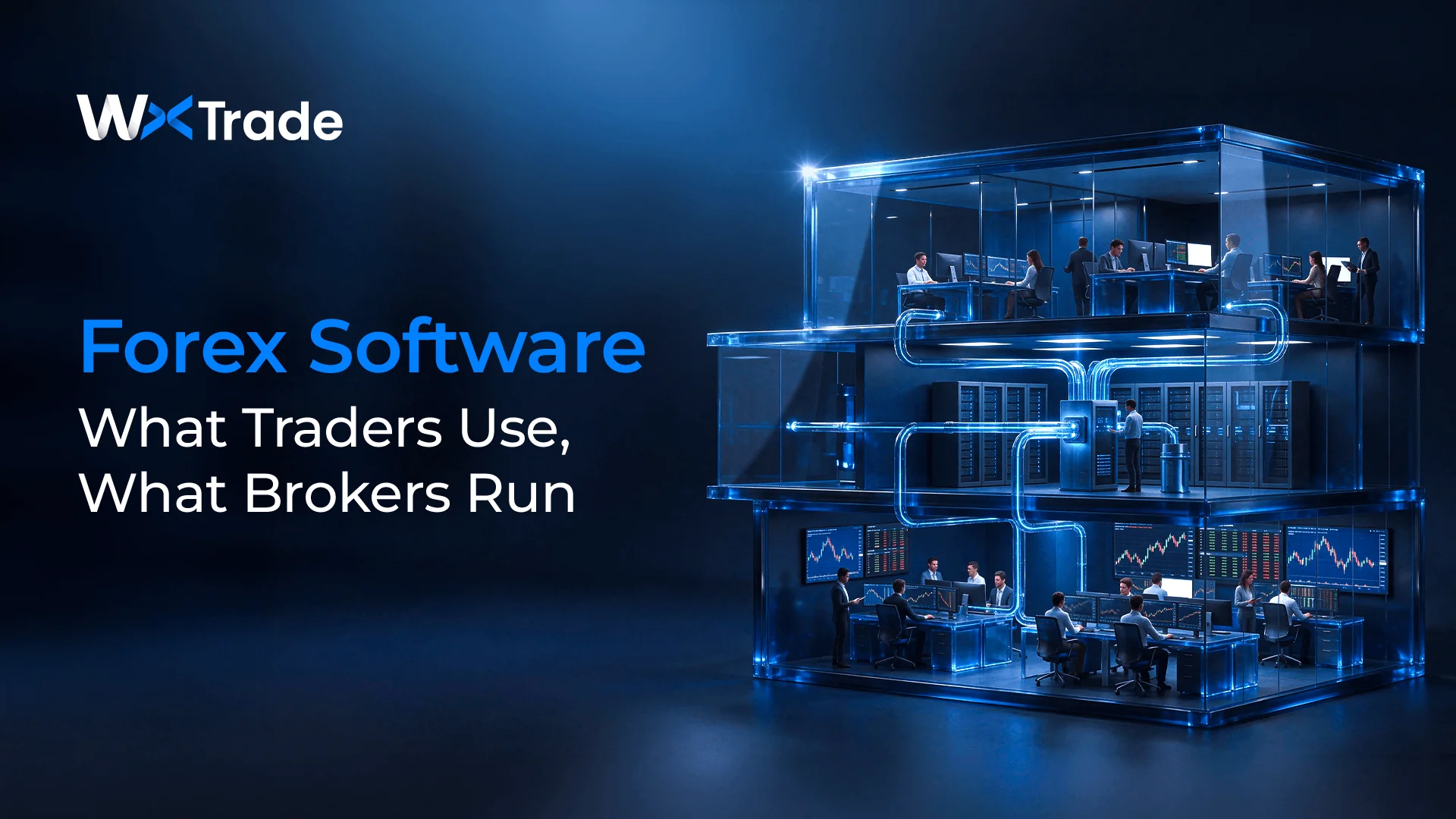
Forex software is the set of programs used to trade currencies, and its core is the trading platform: MetaTrader 4, MetaTrader 5, cTrader, a broker's own web and mobile app, or TradingView charts connected to a broker account. Around the platform sit automated trading programs such as Expert Advisors, signal and copy-trading services, and news and charting tools. A trader does not buy the platform separately from the account. The broker supplies it, the platform logs in to a server that the broker licenses or builds, and that server sets the leverage, spreads, symbols and position rules the trader sees. Behind the server, the brokerage also runs liquidity connections, a client portal, a CRM, payment processing and a back office, which together form the half of forex software that traders never see.
The main types of forex software traders use
According to the Bank for International Settlements, global foreign exchange trading reached $9.6 trillion a day in April 2025, 28% more than in 2022. A retail trader never connects to that market directly. Every tool in the table below either sits on a broker account or sends its orders through one, and two points follow from that:
- Only the trading platform holds the account; charting, automation and signal tools send their orders through it or through a broker integration.
- The broker decides which platforms are available, so choosing forex trading software and choosing a broker are the same decision.
| Software | What it does | Where the account sits |
|---|---|---|
| Trading platform: MetaTrader 4, MetaTrader 5, cTrader or a broker's own app | Streams quotes, places and manages orders, and shows balance, margin and open positions | On the broker's trading server, which the platform logs in to |
| TradingView with a linked broker account | Charts and indicators, with order entry once a supported broker account is connected | At a broker that has built a TradingView integration |
| Expert Advisors in MQL4 or MQL5 | Apply coded trading rules and send orders without a manual click | Inside the terminal, sending orders to the broker's trading server |
| Signal and copy-trading services | Deliver trade ideas or copy another account's trades | In the follower's own broker account |
| News, quote and charting apps | Prices, news, alerts and analysis | None needed when the app has no order entry |
Copy trading adds a layer of its own on the broker's side, with allocation, payout and classification rules that are explained in the guide to how a social trading platform works.
Why the trading platform comes with the broker
A trading platform is a client terminal, and the market it shows is the broker's. The MQL5 reference describes an Expert Advisor as an automated trading system that can execute trades and send them directly to a trading server, and that server is operated by the broker or by the firm whose licence the broker uses. MetaQuotes sells MetaTrader 5 to brokers on the basis that each broker deploys the software on its own hardware and maintains the server infrastructure itself, so a trader cannot connect the terminal to the market without a broker in between.
The same arrangement explains why US dealers publish several platforms side by side. OANDA offers its own OANDA Trade platform together with MT4 and TradingView, and tastyfx lists its own platform next to TradingView, MetaTrader 5, MetaTrader 4 and ProRealTime. Each platform is a front end to an account held at that dealer, so a trader who prefers one of them first needs a dealer that offers it.
TradingView works the same way from the other direction. Order entry on TradingView charts depends on a broker connection, and TradingView states that new brokers connect through its REST API in a process that takes time because of technical difficulties and regulations. The practical question for a trader is therefore which broker offers the preferred software, and under which account rules.
What the broker's server decides inside the platform
The same terminal can show different leverage, prices and position rules at two brokers, because most of what a trader sees is configured on the server. MetaQuotes describes the MetaTrader 5 server as letting a broker control trade conditions, naming margin requirements, contract terms, credit limits, swaps, trade sessions, spreads, markups and commissions. The table maps what a trader sees to the place where it is decided, with US rules as the example.
| What the trader sees | Where it is decided | What US rules add |
|---|---|---|
| Leverage and the deposit each position needs | Account group settings on the broker's trade server | A deposit of at least 2% of notional value on major pairs and 5% on other pairs |
| Whether opposite positions can stay open | The account's position accounting, netting or hedging, set by the broker | Forex Dealer Members must offset positions on a first-in, first-out basis |
| Spreads, swaps, commissions and trading hours | Symbol and group settings on the trade server | Vary by dealer and by account type |
| Orders from an Expert Advisor | The broker's trade server, under the same account settings as manual orders | The same deposit and offsetting rules apply |
| Order entry on TradingView charts | The broker's TradingView integration | Available only at dealers that have connected |
The deposit rule shows how a regulation becomes a platform setting. According to CFTC regulation 17 CFR 5.9, a US futures commission merchant or retail foreign exchange dealer must collect a minimum security deposit set by its registered futures association, and that minimum cannot fall below 2% of notional value for major currency pairs or 5% for all other pairs. A position worth $100,000 therefore needs at least $2,000 on deposit when both currencies are major currencies and at least $5,000 otherwise, which is the arithmetic behind the 50:1 and 20:1 maximum leverage a US account displays. When deposits fall short, the same section requires the dealer to collect more or to liquidate the customer's positions, and the platform's margin call and stop-out settings are where that requirement is carried out.
Position rules follow the same pattern. MetaTrader 5 supports netting, which keeps one common position per symbol, and hedging, which allows several positions in the same symbol including opposite ones, and its help pages state that the system used depends on the account and is set by the broker. In the US, NFA Compliance Rule 2-43(b) provides that Forex Dealer Members may not carry offsetting positions in a customer account and must offset them on a first-in, first-out basis. A sell order placed against an existing long position at a US dealer therefore offsets the oldest open position in that pair first, and no opposite position is opened.
What a brokerage runs behind the trading platform
The terminal is the visible end of a longer chain. A brokerage that offers forex trading runs at least the following systems, whichever platform its clients use:
- Trade server and dealer tools. The server holds trading accounts, applies trade conditions and records every deal. MetaTrader 5, for example, lets a broker assign role-based managers such as accountants, administrators, dealers and risk managers, each with different access.
- Bridge or gateway to liquidity. A bridge passes orders from the trade server to liquidity providers and returns prices and fills. MetaQuotes describes its gateways as letting brokers hedge the risk of client operations through straight-through processing, and its Gateway API connects the server to other trading systems and custom data feeds. Selecting the provider at the other end is a separate decision, covered in the guide to choosing a forex liquidity provider.
- Client portal. The client-facing site where a trader registers, verifies identity, opens trading accounts, deposits and withdraws.
- CRM. Client records, sales pipelines and support tickets for the brokerage's own staff.
- Payments. Connections to card processors, bank transfers and local payment methods, each with its own approval and reconciliation steps.
- Back office. Approvals, reconciliation, reporting and staff permissions across all of the above, the layer examined in detail in the guide to forex back-office software.
Interactive: the broker's stack
Follow one trader action through the broker's stack
Choose an action. The numbered systems are the ones it passes through, in order, and each step states what that system does or decides.
The stack
- 1Trading platformTrader side
- TradingView chartTrader side
- Client portalTrader side
- 2Trade serverBroker
- 3Bridge or gatewayBroker
- 5Back office and CRMBroker
- 4Liquidity providerThird party
- Payment providerThird party
Step by step
- 1Trading platformThe trader enters the symbol, volume and direction, and sees the spread and margin the server publishes.
- 2Trade serverChecks free margin against the account group's leverage, applies the symbol's spread, commission and trading hours, and records the deal.
- 3Bridge or gatewayPasses the order to a liquidity provider when the broker hedges client risk externally.
- 4Liquidity providerFills the hedge and returns the execution price.
- 5Back office and CRMThe new position appears on the trading-account and position screens with margin and equity updated.
Simplified illustration. Routing, hedging and approval steps differ between brokers and platforms.
WxTrade combines CRM, client portal and back-office workflows in one broker technology platform. In the public WxTrade sandbox, WconneX, the CRM within the WxTrade platform, puts withdrawals, deposits, identity checks and bank-account verifications awaiting approval in one dashboard queue, and its trading-account screen lists each trading login with its group, balance, credit, margin, free margin, equity and leverage for the server selected in the header. On the same platform, the client portal's logo, site name and light and dark colour themes are set from one settings screen with a live preview.
How brokers get the software: licence, white label or build
A brokerage has three ways to put a trading platform in front of its clients. The first is to license a platform and operate it directly: MetaQuotes sells MetaTrader 5 in Entry, Standard and Enterprise licences sized for 1,000, 25,000 and 200,000 real accounts, deployed on the broker's own infrastructure.
The second is a white label, in which the brokerage operates its own brand under another firm's licence. MetaQuotes states that MetaTrader 5 supports white-label licensing, although access has tightened: Finance Magnates reported in September 2022 that white-label applicants were asked for a certificate of incorporation, a register of directors and shareholders, proof of a physical address, domain ownership in the company's full name, a certified bank reference and video identity checks of key persons. Current price ranges for this route are set out in the breakdown of MT5 white-label costs.
The third is to build a proprietary platform, which removes the platform licence fee and adds an engineering team, an execution core and the bridge work described above. The component costs are itemised in the analysis of what building a trading platform actually costs.
Whichever route a brokerage takes for the terminal, the client portal, CRM, payments and back office still have to be supplied, by the platform vendor or by separate ones. The guide to the best white-label forex platforms for small brokers compares vendors on what they bundle around the platform.
Frequently asked questions
Is MT4 a broker?
MT4 is not a broker. MetaTrader 4 is trading software published by MetaQuotes, and a broker that licenses MetaQuotes software runs the servers itself; MetaQuotes states on its licence page that it has no access to a licensee's servers, accounts or clients' trading history. The account, the deposit and the trade records therefore sit with the broker, which is the firm whose regulatory status a trader needs to check.
Can a broker still license MetaTrader 4?
A new licensee cannot buy one. MetaQuotes' MetaTrader 4 page states that MT4 licences are no longer available for purchase and that development is focused on MetaTrader 5. Finance Magnates reported the change in January 2018, noting that existing customers could continue to use the platform, which is why brokers that already held a licence can still offer MT4.
What is a trading bridge?
A trading bridge is the software link between a broker's trade server and its liquidity providers, carrying orders out and prices and fills back. Such connections can use the FIX protocol, which the FIX Trading Community describes as open, technology-neutral specifications for electronic trading; its coverage includes FX, with separate message sets for pre-trade data such as quotes, for orders and executions, and for post-trade processing.
How does a broker integrate with TradingView?
A broker integrates through TradingView's REST API for brokers. TradingView states that access to the specification is provided only after signing the agreement, so the work starts with a commercial agreement, and the broker's developers then connect its trading back end to that specification before any client can trade from TradingView charts.
Can US forex accounts hold hedged positions?
A US dealer cannot carry them. NFA Compliance Rule 2-43(b) bars Forex Dealer Members from carrying offsetting positions in a customer account and requires first-in, first-out offsetting, with one exception: at the customer's request, a dealer may offset same-size transactions even when older transactions of a different size are open, which lets a trader close a specific position that matches in size.